What’s Nextra
Nextra – Next.js Static Site Generator framework that works on top of Next.js
and React, uses Tailwind CSS and
other amazing open-source libraries. It lets you create your
powerful markdown content using a theme package.
Currently, Nextra contains two official themes:
nextra-theme-docstheme for documentationnextra-theme-blogtheme for your simple blog
But you can provide your own theme to fully customize to your needs.
What’s New
MDX 2 Support
Migration to MDX 2 comes with improved performance, supporting any JSX runtime and JavaScript expression inside your markdown pages.
import Hero from '@/components/hero'

<Hero />

Current year - {new Date().getFullYear()}
Markdown Import
In case of reusing some duplicated content you can export and import your markdown files.
- [x] Code
- [x] Sleep
- [ ] Eat
and import in your MDX page:
import TaskList from './task-list.mdx'

<TaskList />
Support Next.js 13
Nextra 2 comes with support for the latest Next.js 13 version and also up to Next.js 9!
Images and Links Optimization
Static images are always optimized with <NextImage /> component, internal links are replaced with
<NextLink /> component, external links will have target="_blank" and rel="noreferrer" and will
inform screen readers about opening a link in a new tab.
<NextImage /> will prevent to have layout shifts on your page. Instantiate (client-side)
navigation would be done with <NextLink />.

[Learn more](/more)
[See examples](https://github.com/shuding/nextra/tree/main/examples)will be compiled to:
import Image from 'next/image'
import Link from 'next/link'
import nextraImage from '../../public/hero.png'

function MDXContent() {
  return (
    <>
      <Image src={nextraImage} alt="Hero" />
      <Link href="/more">Learn more</Link>
      <a
        href="https://github.com/shuding/nextra/tree/main/examples"
        target="_blank"
        rel="noreferrer"
      >
        See examples<span className="sr-only"> (opens in a new tab)</span>
      </a>
    </>
  )
}

export default MDXContent
Extensible with rehype/remark Plugins
You can extend Nextra with any of rehype/remark plugins, just pass them to the nextra
function.
import nextra from 'nextra'
import remarkMdxDisableExplicitJsx from 'remark-mdx-disable-explicit-jsx'

const withNextra = nextra({
  theme: 'nextra-theme-docs',
  themeConfig: './theme.config.jsx',
  remarkPlugins: [
    [remarkMdxDisableExplicitJsx, { whiteList: ['table', 'thead', 'tbody', 'tr', 'th', 'td'] }]
  ],
  rehypePlugins: []
})

export default withNextra()
Remote Markdown
Rendering remote markdown is simple, you will need:
- Install
next-mdx-remoteand importMDXRemotecomponent - Compile your markdown raw string using
compileMdxfromnextra/compileingetStaticProps() - Provide your compiled result code to
props.ssg - Get data from SSG with
useSSGhook fromnextra/ssg - Provide compiled result code for
MDXRemoteviacompiledSourceprop - Provide
componentsfromuseMDXComponentshook fromnextra/mdxforMDXRemoteto prevent layout shifts
import { MDXRemote } from 'next-mdx-remote' {/* 1 */}
import { compileMdx } from 'nextra/compile'
import { useSSG } from 'nextra/ssg'
import { useMDXComponents } from 'nextra/mdx'

export const getStaticProps = async () => {
  const response = await fetch('https://raw.githubusercontent.com/shuding/nextra/main/README.md')
  const markdown = await response.text()
  const mdx = await compileMdx(markdown, { defaultShowCopyCode: true }) // 2
  return {
    props: {
      ssg: mdx.result // 3
    },
    // Revalidate at most once every 1 hour
    revalidate: 60 * 60
  }
}

export const NextraReadme = () => {
  const compiledSource = useSSG() // 4
  const components = useMDXComponents()
  return <MDXRemote compiledSource={compiledSource} components={components} /> // 5-6
}

<NextraReadme />
On the original interactive version of this post, Nextra’s README was rendered here live from GitHub. Read the README on GitHub instead.
Nextra Theme Docs Features
nextra-theme-docs was completely redesigned to be more flexible and configurable for all of your
needs.
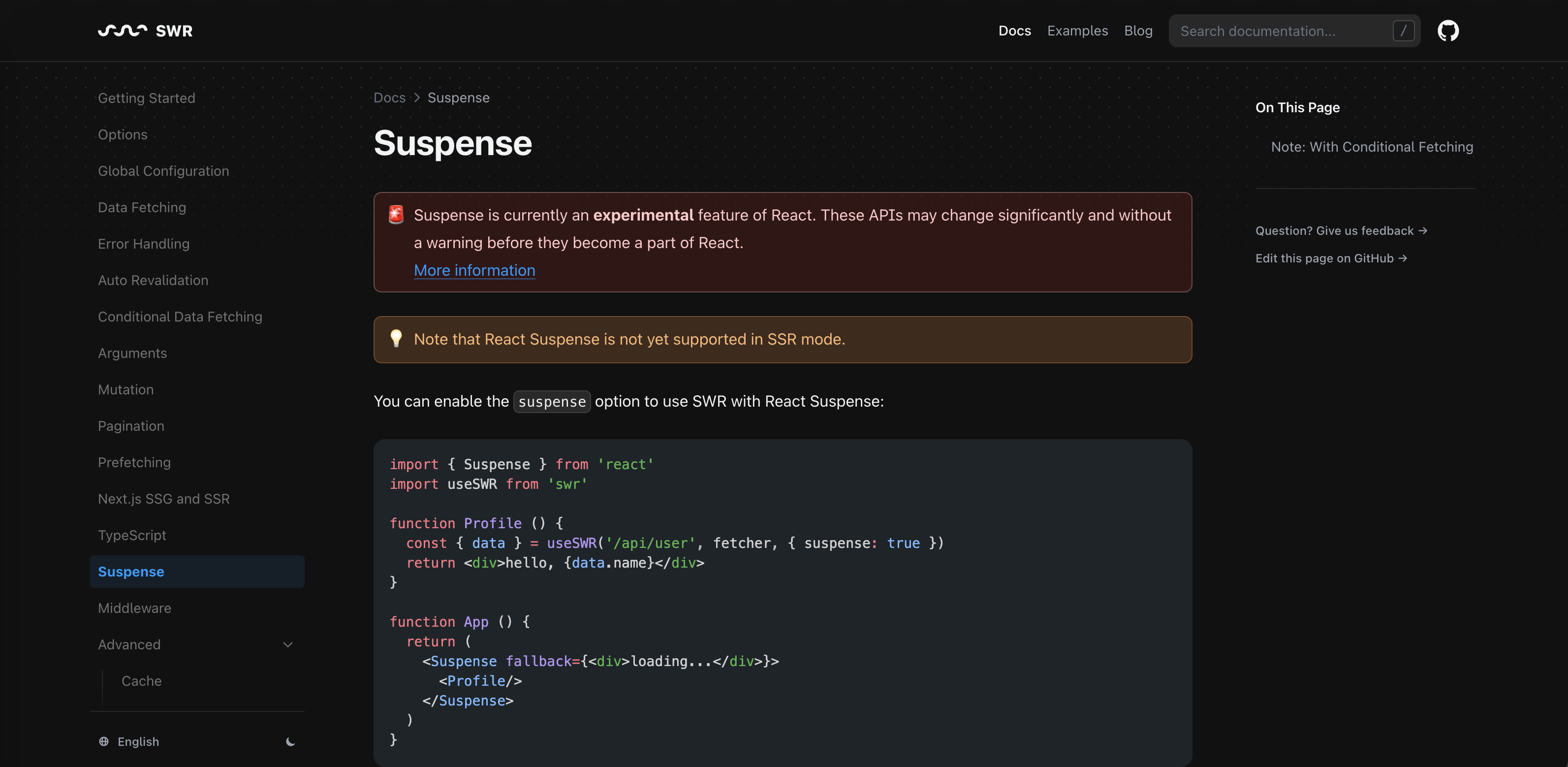
Various Customization
Here is an overview of different options for customization elements such as:
- Banner
- Header (logo / chat icon / project icon)
- Footer
<head />content and Next SEO props- Various search / sidebar / TOC options
- Pagination on page
- Dark mode
- Edit page link
- Hue of the primary theme color
- 404/500 page
They could be configured in your theme.config.jsx file.
Read more about all available options.
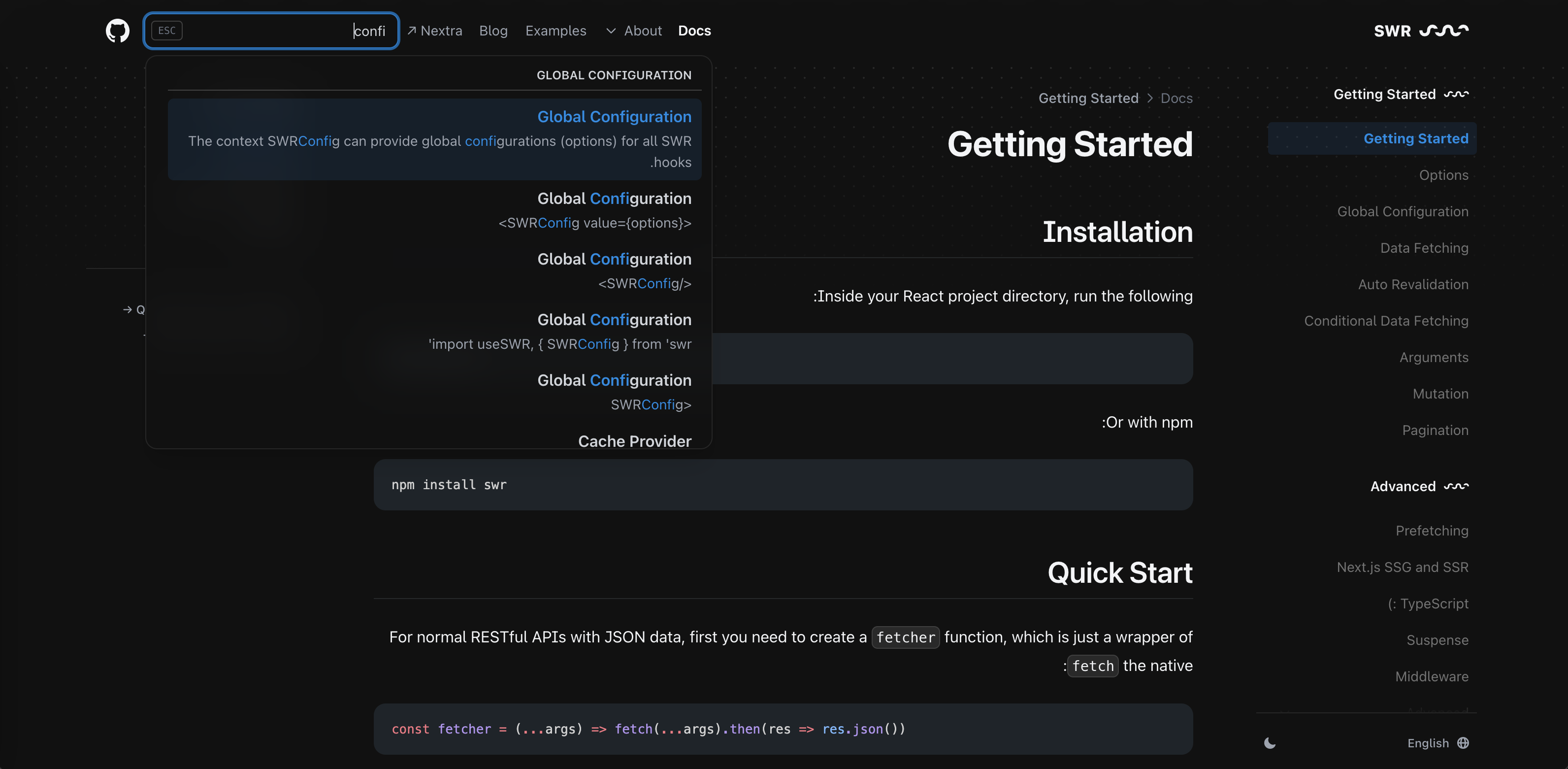
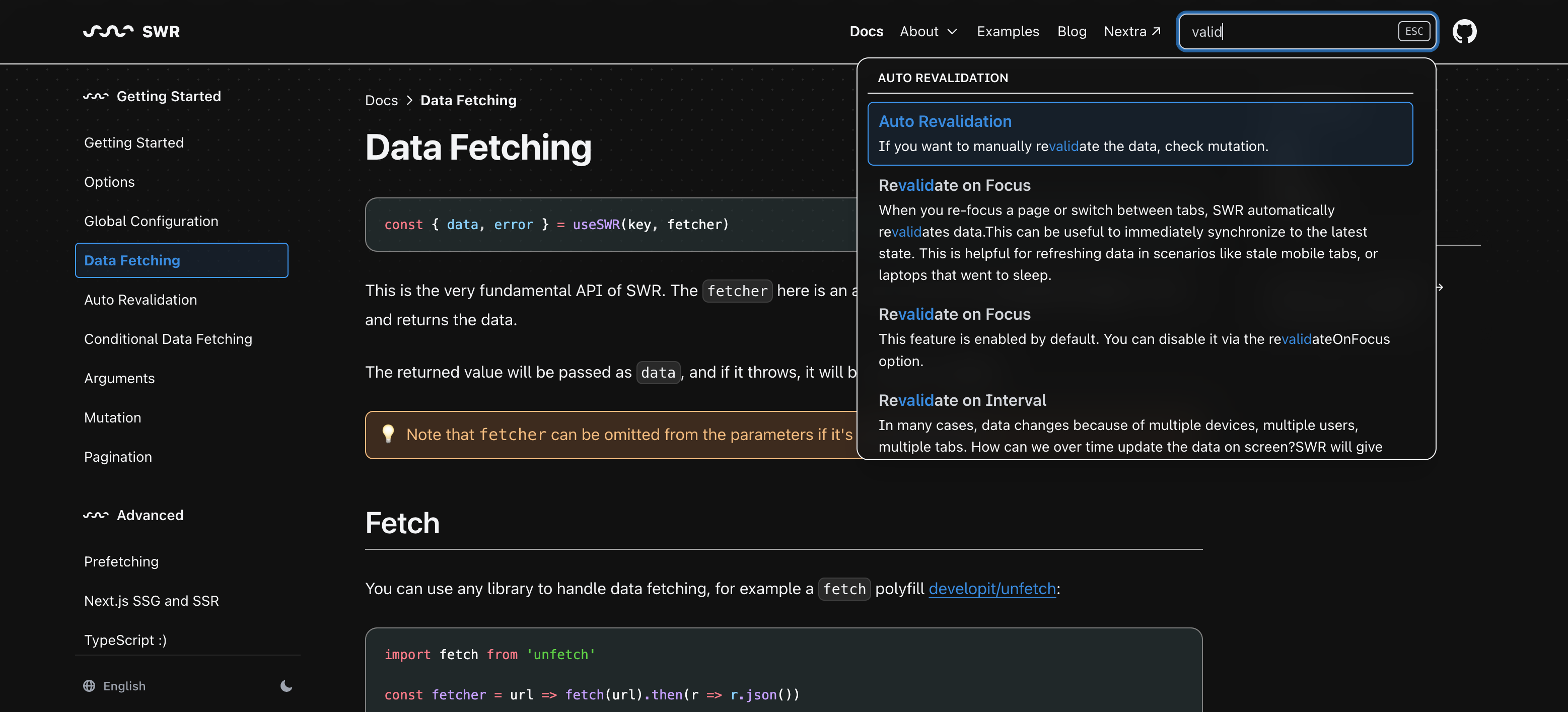
Builtin Full-Text Search
Full-text search is powered by FlexSearch and Nextra will index all of your pages at build time ⚡.
New Syntax Highlighting
Prismjs was replaced by Shiki and rehype-pretty-code.
Below is an example of a code block with a filename, line numbers, word highlighting and line highlighting:
```jsx filename="My File" showLineNumbers /App/ {2}
function App() {
  return <div>Hello</div>
}
```
will be rendered as:
function App() {
  return <div>Hello</div>
}
Next SEO Builtin
Out of the box, nextra-theme-docs has Next SEO installed. By default, in the front matter you can
set title, description, canonical and openGraph and they will be passed directly to the
<NextSeo /> component.
---
title: Nextra 2
description: Nextra – Next.js Static Site Generator
---
will be passed to Next SEO and rendered on the page as:
<head>
  <title>Nextra 2</title>
  <meta name="og:title" content="Nextra 2" />
  <meta name="description" content="Nextra – Next.js Static Site Generator" />
  <meta name="og:description" content="Nextra – Next.js Static Site Generator" />
</head>I18n Support
nextra-theme-docs comes with support i18n in your website.
To use it, provide Next.js’ i18n field with locales and defaultLocale setup:
export default withNextra({
  i18n: {
    locales: ['en-US', 'fr-FR'],
    defaultLocale: 'en-US'
  }
})
Add Nextra’s middleware:
export { locales as middleware } from 'nextra/locales'Create your _meta and page files with locales suffixes:
├── pages
│   ├── _meta.en-US.json
│   ├── _meta.fr-FR.json
│   ├── index.en-US.mdx
│   ├── index.fr-FR.mdx
# 🇺🇸 Hello Nextra 2# 🇫🇷 Bonjour Nextra 2Learn more on docs.
LTR/RTL Direction Support
Your website can be fully mirrored with RTL direction. All that you need it provides dir: 'rtl' in
your theme.config.jsx file.
A11y
Accessibility is all, Nextra respects system preferences, animation will be reduced with
reduce-motion mode, colors will be adjusted in contrast-more mode.
Conclusion
The Guild discovered Nextra 2 from the first betas and actively participated in the development and improvement of this library. I (Dimitri) become an official maintainer of this library on par with Nextra creator amazing Shu Ding from Vercel.
In the end, we migrated all our projects’ documentation to Nextra, which provides a better setup and
documentation design than our previous guild-docs package. Alongside we added Giscus comments at
the end of each page that synchronizes with GitHub discussions.
We receive a bunch of positive feedback and much more contributions and fixing mistakes in our docs from our community ❤️.